
Stop copy-pasting YouTube links
Already using Skipioo in your browser? Install the extension and open any video ad-free with one click on YouTube.
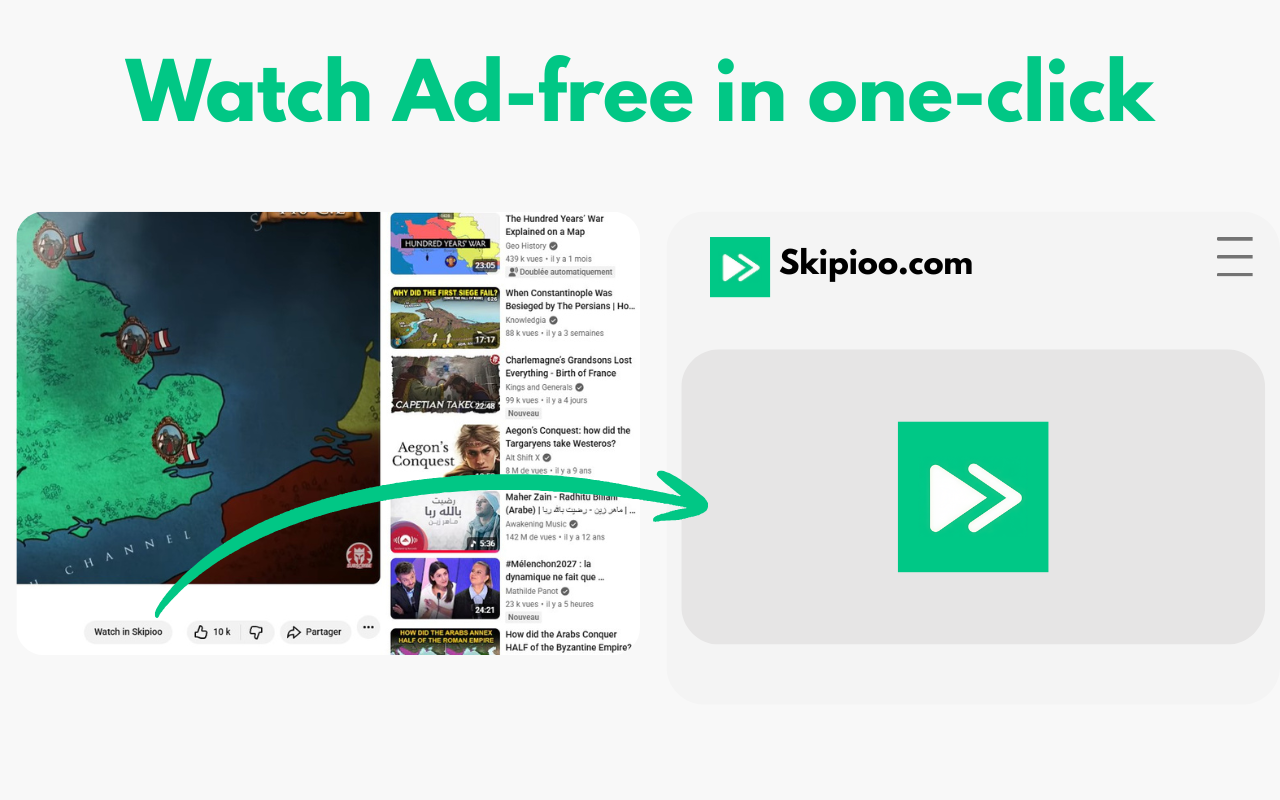
Same ad-free Skipioo you already trust, without opening a new tab, pasting a URL, or leaving YouTube.
Download ExtensionWhy install the extension?
Everything you love about Skipioo, directly integrated into YouTube
One click, no paste
Tap the Skipioo icon on any video. It opens ad-free instantly. That is the whole workflow.
Works on every page
Home feed, search, channels, playlists, and the watch sidebar, not just video cards.
Chrome, Edge, Opera, Vivaldi
One extension for desktop Chromium browsers. Same install steps everywhere.
Privacy focused
No account, no tracking. Your watch habits stay on your device.
100% ad-free playback
Pre-roll, mid-roll, and overlays removed. Built-in on Skipioo.
Lightning fast
Opens the Skipioo player in a new tab without the copy-paste detour.
Download for desktop
Chrome, Edge, Opera, or Vivaldi. Install once, skip the paste step forever.
Without extension
- 1. Find a video on YouTube
- 2. Copy the URL
- 3. Open Skipioo.com
- 4. Paste and load
With extension
- 1. Find a video on YouTube
- 2. Click Skipioo
- 3. Watch ad-free
People already skip the ads
Skipioo users watch without interruptions. The extension just removes the extra steps.
"I hate what youtube has been doing with advertising lately, this has saved a ton of migraines."
Skipioo supporter
"Thanks for your work. I get the content without wasting time for the ads."
Skipioo supporter
"Thank you for all your work. I don't feel like I should have to pay for commercials to go away."
Sarah, supporter
How to install
Follow these simple steps to get started
Download the Extension
Go to Chrome Web Store and click "Add to Chrome"
Extract the ZIP File
Already done! The extension is ready to use.
Open Extensions Page
Go to chrome://extensions or right-click menu -> Manage extensions
Enable Developer Mode
Toggle the "Developer mode" switch in the top right corner
Load the Extension
Click "Load unpacked" and select the extension folder
Pin the Extension
Click the puzzle icon and pin Skipioo for quick access
Use on YouTube
Visit YouTube, click the Skipioo icon, and watch ad-free!
Ready to stop copying links?
Get ad-free YouTube directly on your browser with one click.
Download Extension